
Oconee County Court Dockets
A docket is the running event list for a case. In Oconee County court dockets, the event list can show when a case was filed, which court and division are involved, when a party or attorney filed something, when a hearing or proceeding occurred, and whether an image is available through the Tyler system. A docket helps show what happened and when. The full case record may include the underlying complaint, motion, order, charging paper, judgment, or sentence.
The county's main online docket channel is for Superior Court and Magistrate Court. That means felony criminal, major civil, divorce, magistrate civil, dispossessory, garnishment, warrant-related, and preliminary criminal proceedings may appear through the Clerk's system if public and indexed. Probate Court traffic, estates, marriage, guardianship, and vital-record work use Probate Court channels. Watkinsville city citations belong to the municipal court, not the county docket portal.
Docket flow: Case filed › party or attorney entry › hearing or proceeding › order or disposition › copy or certification request.
Find Oconee County Court Dockets
The Oconee County Superior and Magistrate Court Docket Search links to the Tyler Case Management Plus public search. The county user guide says users can search by party name, associated party name, or exact case number. Party and associated-party searches can be narrowed by court, division, and filing date range. Case-number search is stricter because the exact case number is required.
- Open the county docket search page and follow the online docket search link.
- Accept the public records disclaimer for the Tyler public search.
- Choose party, associated-party, or case-number mode.
- Use court, division, and filing-date filters for broad Oconee County court docket searches.
- Select a case result and open the Proceedings tab for the docket event list.
- Create or use an approved account only when image access or paid clean copies are needed.
The docket search is separate from e-filing. Oconee County's Georgia e-filing page identifies PeachCourt and Odyssey eFileGA as filing channels for Superior and Magistrate cases, but filing a document and viewing a public docket are different tasks.
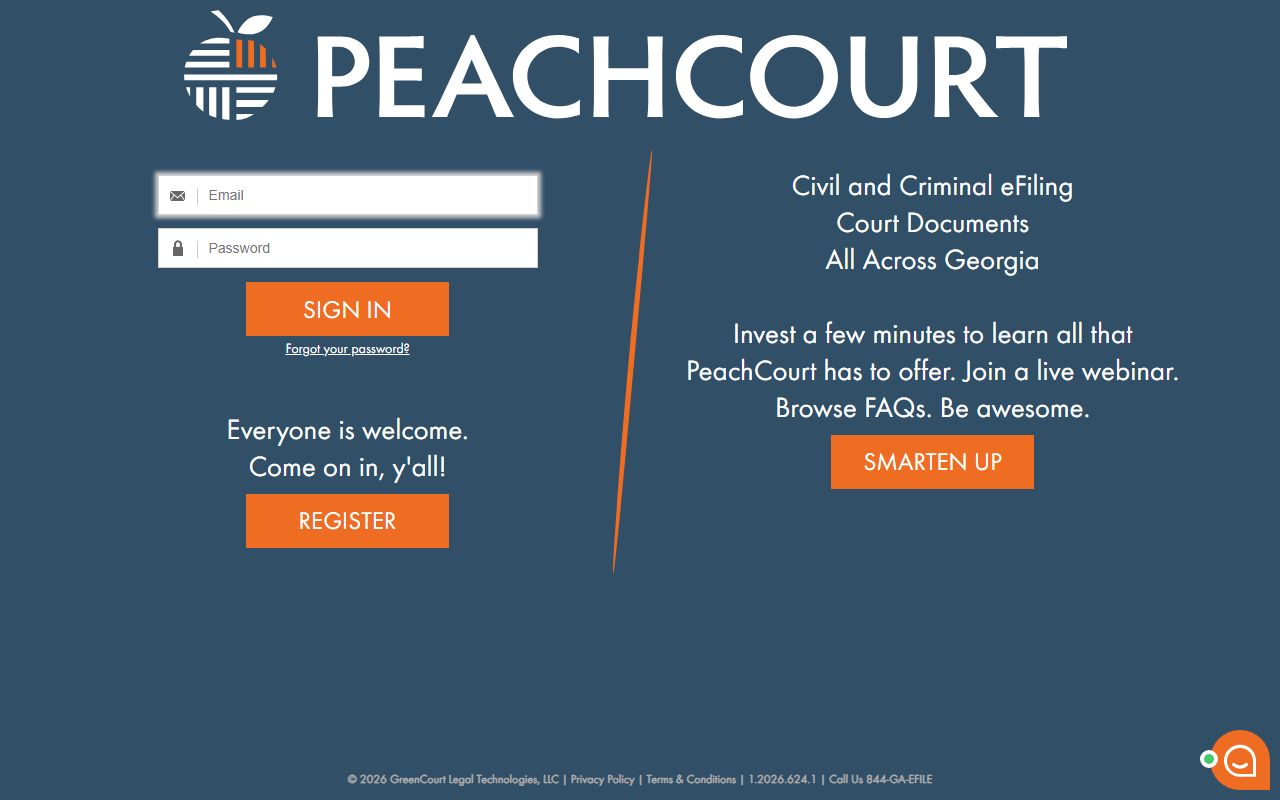
E-filing tools affect how new filings reach the Clerk, while the public docket search is the place to check visible case activity.
Oconee County Docket Entries
The research did not preserve a live individual Oconee case screen, so the safest field inventory comes from the county's Tyler user guide. It confirms case details and a Proceedings tab with available images. It also confirms result counts, page controls, print-cart behavior, and the need to print or save purchased images within 30 days.
| Docket Field | What It Shows |
|---|---|
| Case Number | The exact file identifier used to open or request the docket. |
| Party or Associated Party | The person, business, attorney, or prosecutor tied to the docket. |
| Court | The Oconee court tied to the indexed case. |
| Division | The division filter or case grouping when shown by Tyler. |
| Filing Date Range | The date range used to narrow search results. |
| Proceedings | The docket activity list, including hearings, filings, orders, and available images. |
| Add to Cart | The copy-payment step for clean images without watermark. |
Georgia's statewide eAccess court records page explains that case searches may redirect to provider systems and may require accounts. Oconee County follows that model through its local Tyler provider link.
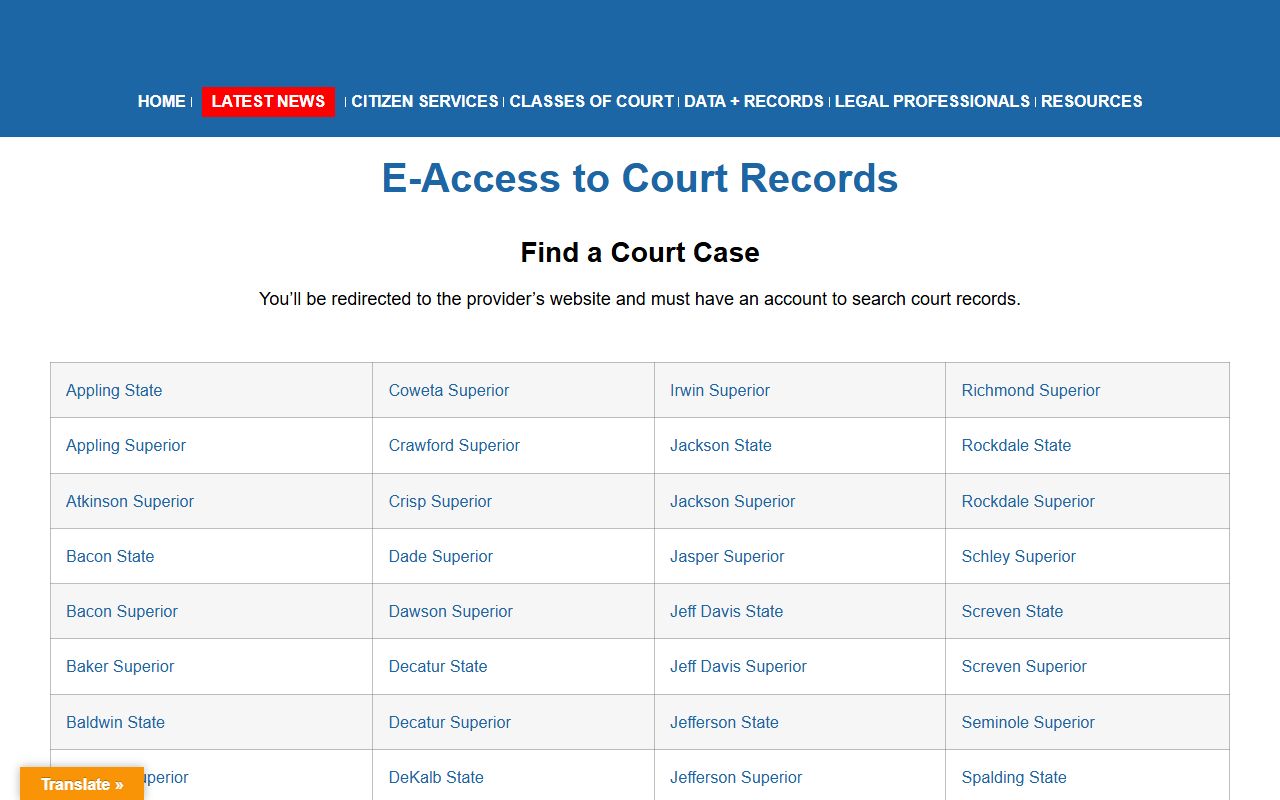
The state page is a useful fallback for understanding why Oconee docket access runs through a local vendor instead of one statewide case database.
Courts With Oconee County Dockets
Oconee County belongs to the Western Judicial Circuit with Athens-Clarke County. Superior Court is the general-jurisdiction trial court for felony criminal cases, divorce, equity, land-title matters, and other major cases. Magistrate Court handles civil claims, dispossessories, garnishments, warrant applications, preliminary hearings, and ordinance matters. Those two courts are the core public online docket search channel in the county material.
| Court or Office | Docket or Calendar Role | Contact Channel |
|---|---|---|
| Superior Court | Felonies, divorce, major civil, equity, land-title matters | Clerk of Courts, 706-769-3940 |
| Magistrate Court | Civil claims, dispossessory, warrants, preliminary hearings | Clerk of Courts, 706-769-3940 |
| Juvenile Court | Delinquency, dependency, DFACS and shelter-care hearings | Restricted access through Clerk channels |
| Probate Court | Estates, guardianships, traffic, marriage, vital records | Probate Court, 706-769-3936 |
| Watkinsville Municipal Court | City citations and municipal matters | 706-769-5161 |
Juvenile calendar details are published in a limited local form: arraignments are scheduled the second Wednesday of each month and adjudications or trials the fourth Wednesday of each month, with DFACS and emergency shelter-care hearings as needed. That does not make juvenile case files public docket records.
Magistrate civil hearings are listed in the research as Thursday and Friday settings. Probate traffic court is held Thursdays at 9 a.m., with no video conferencing options for those traffic cases. These local calendar facts are useful for planning a court contact or visit, but they are not a substitute for checking the case-specific docket entry or calling the court that issued the date.
Oconee Dockets vs Case Records
Oconee County court dockets and full case records serve different needs. A docket can help a reader know whether a case exists, what has been filed, whether a hearing occurred, and whether an order or disposition might be available. A full case record is the document set behind the docket entries. Certified copies are usually needed for official use, and those copies are handled by the Clerk or the GSCCCA eCertification process when available.
| Comparison Point | Court Docket | Full Case Record |
|---|---|---|
| Format | Event list and case activity | Documents, orders, pleadings, and images |
| Best Use | Track status, hearings, and filings | Review legal text or obtain official proof |
| Access | Public search when indexed and not restricted | May require account approval, cart payment, or office request |
| Certification | Not a certified copy by itself | Certified through Clerk or eCertification when eligible |
For broader case context beyond the event list, the full Oconee County court records page explains record types, certified copies, and restricted files.
Read Oconee County Court Dockets
Docket terms are short because they are meant to track case activity. A plaintiff is the party bringing a civil case. A defendant is the party sued or charged. A petitioner asks the court for relief, and a respondent answers that request. A prosecutor represents the State in a criminal matter. A motion asks the judge for an order. A disposition is the current or final result of a case or charge.
- Proceeding
- A docket event, hearing, filing, or court action listed in the case activity.
- Continuance
- A postponed hearing or court date.
- Order
- A judge's written ruling or direction.
- Judgment
- The final enforceable decision in a civil matter.
- Disposition
- The outcome or current result shown for a case or charge.
Note: If an entry mentions an image but the image is not visible, account approval or payment may be required.
Some docket entries are short because they are internal court-event labels. If a docket line is unclear, use the case number and the entry date when contacting the Clerk. Asking for the specific proceeding or image tied to that entry is more precise than asking for every paper in the case file.
Oconee Docket Copies and Limits
Tyler docket entries may show enough information for status checks, but clean document copies use the cart and payment path described in the user guide. Certified copies use the GSCCCA eCertification workflow or the Clerk's office. Users submit a new request, choose Oconee County and document type, complete required fields, wait for Clerk processing, authorize final payment, and then receive a secured PDF by email or authentication link.
Federal dockets are outside the Oconee County system. Oconee County is assigned to the Middle District of Georgia, Athens Division, and bankruptcy matters are assigned to the U.S. Bankruptcy Court for the Middle District of Georgia in Athens. Those records use federal CM/ECF and PACER channels, not the Oconee County docket portal.
The Bankruptcy Court Athens location page is one source tied to federal records for Oconee residents and businesses.
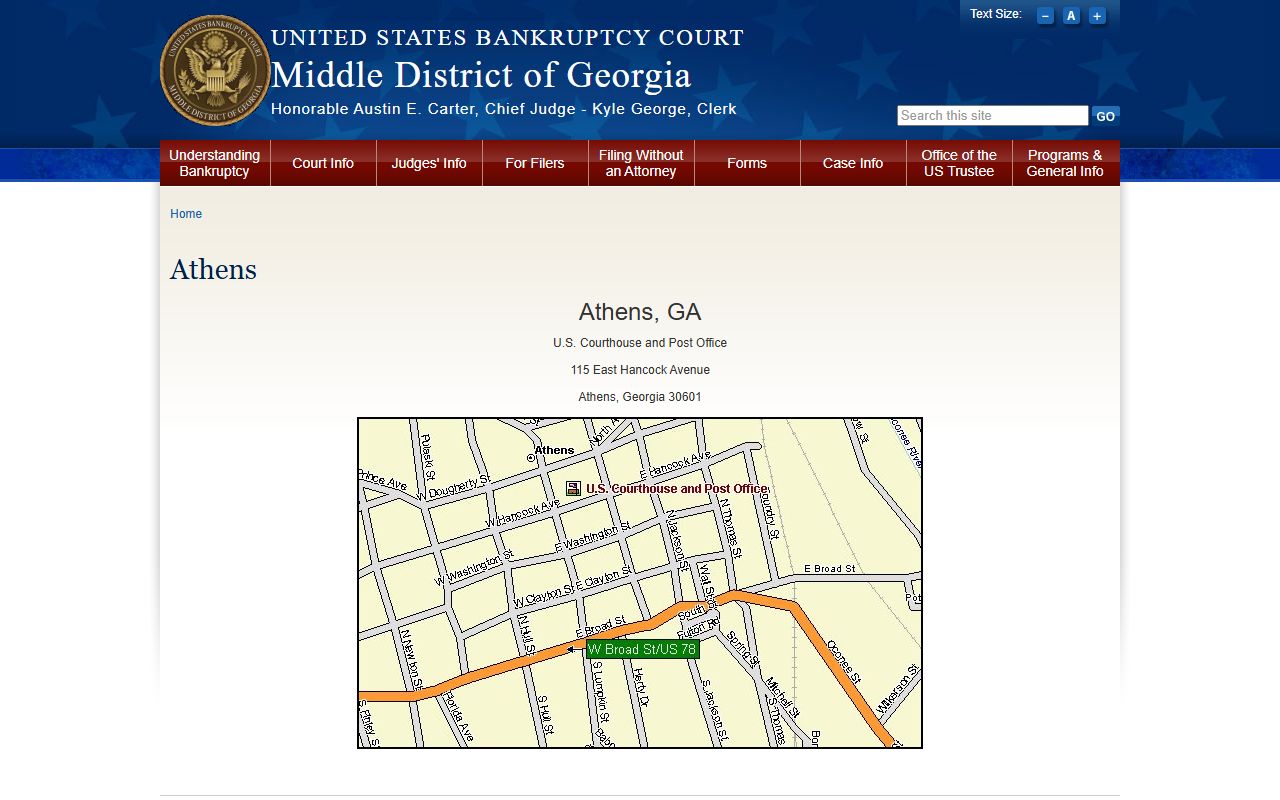
Federal court dockets should be kept separate from local Oconee County court dockets because the search systems and clerks are different.
Older, non-digitized, sealed, or restricted docket records may not appear in a public search. In those situations, the direct office path matters more than repeated online searches. Superior and Magistrate docket questions go to the Clerk, Probate matters go to Probate Court, and city citation docket questions go to Watkinsville Municipal Court.